Straddle EA Setup Guide
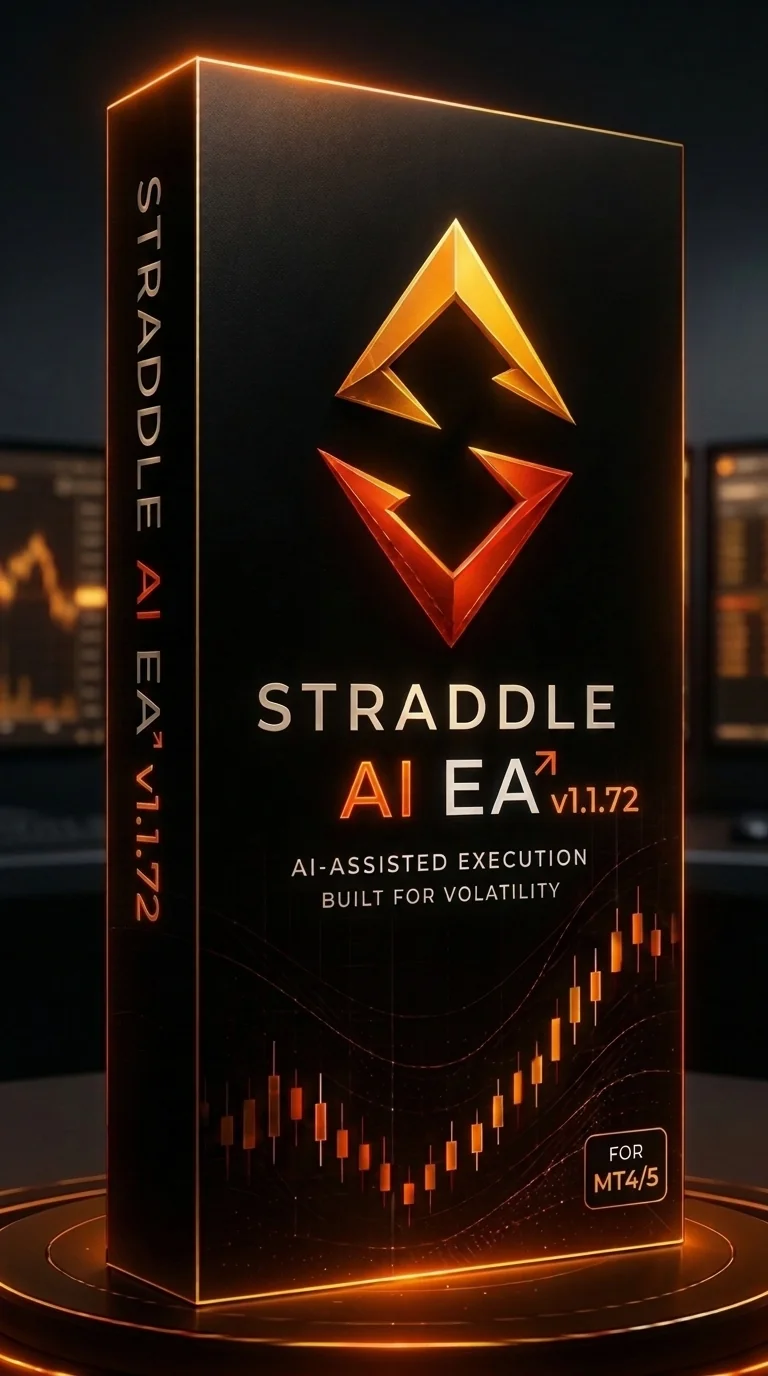
Lock In Volatility Now: Why You Need a Straddle EA Today!
Listen up, fellow devs and traders! High-impact news events like NFP, CPI, and central bank rate decisions are dropping massive market spikes right now. Trying to manually place pending orders seconds before a release is a guaranteed recipe for slippage, panic, and missed pips. That is why we automate! A Straddle EA (Expert Advisor) is your ultimate secret weapon for capturing explosive breakouts in MetaTrader 4 or MT5 without sweating over manual execution.
When high-tier economic data drops, the market doesn't care about your directional bias; it moves fast and hard in whichever direction breaks out first. A Straddle EA automatically places paired pending buy stop and sell stop orders above and below the current price right before the news hits. Once one order triggers, the opposite order gets canceled instantly. If you want to ride these ultra-fast momentum waves, you need to get your EA deployed and configured immediately!
Section 1: Configuring Key Inputs in MT4/MT5
Ready to compile and deploy? Fire up your MetaEditor or MT4/MT5 inputs tab right now. To make sure your automated straddle bot fires flawlessly without getting caught in market noise, you must master these core input parameters:
- DistancePips (Pending Offset): Defines how many pips away from the current market price your Buy Stop and Sell Stop will sit. Set this far enough to avoid noise, but close enough to catch the main breakout impulse.
- ExpirationMinutes: Automatically deletes unfilled pending orders if the market doesn't break out within a specified timeframe. Don't leave ghost orders floating around!
- StopLoss & TakeProfit: Define your risk-to-reward ratio before the volatility surge starts. High-impact news needs tight stop-loss protection to limit initial risk.
- One-Cancels-The-Other (OCO) Logic: Ensures that as soon as your Buy Stop turns into an active long position, the underlying Sell Stop is immediately purged from the server.
- MagicNumber: Always assign a unique identifier integer so your EA manages only its designated straddle orders without interfering with your manual trades.
Section 2: Mastering Slippage, Spreads, and Trailing Stops
Here is where most rookie automated traders fail: spread expansion and execution slippage during news spikes. When liquidity thins out 10 seconds before a massive release, spreads can skyrocket from 1 pip to 15 pips in a millisecond. If your code isn't optimized for raw market conditions, you will get slipped or triggered prematurely.
Implement these essential optimization rules into your algorithm immediately:
- MaxSpread Filter: Include a hard cap on spread width. If the current spread exceeds your threshold seconds before the release, the EA halts order placement to protect your capital.
- Dynamic Trailing Stop: Once your straddle order triggers into profit, activate an automated trailing stop. Lock in 50% of the movement instantly while letting the rest run for massive risk-free profit potential.
- ECN Broker Execution: Run your EA on a low-latency Virtual Private Server (VPS) located close to your ECN broker’s trade server. Reducing latency from 150ms to 2ms is the difference between green pips and slippage drawdown.
Deploy Your Straddle EA Before the Next Big News Event!
The markets wait for nobody! Every economic release is a prime opportunity to grab fast, algorithmic profits, but only if your Straddle EA is dialed in, backtested, and ready to fire. Do not wait for the next economic catalyst to catch you unprepared while manual traders struggle to enter positions.
Take action right now! Load your EA onto your demo chart, fine-tune your offset distances, calibrate your spread filters, and lock down your risk management parameters. Master the code, automate your strategy, and watch your trade execution hit hyper-speed on MT4/MT5 today!
Algorithm Status
We will share the right bot details with you directly.
Share this insights
Related Algorithms & Research
Breakout Straddle EA
The Clock is Ticking: Why You Need a Breakout Straddle EA Today Hey fellow devs and traders! Market volatility is reaching a boiling point right now. Major economic releases like N
Pending Order Straddle EA
Hey fellow devs and traders! If you are still trying to execute manual trades during Non-Farm Payroll (NFP) or CPI rate decisions, you are actively burning money. The market moves
High Impact News Straddle EA
1. Stop Losing to Latency: Why Manual News Trading is Broken Hey traders and fellow devs! Look, if you're still manually trying to click "Buy" or "Sell" 0.2 seconds after an NFP or