MT5 Straddle EA
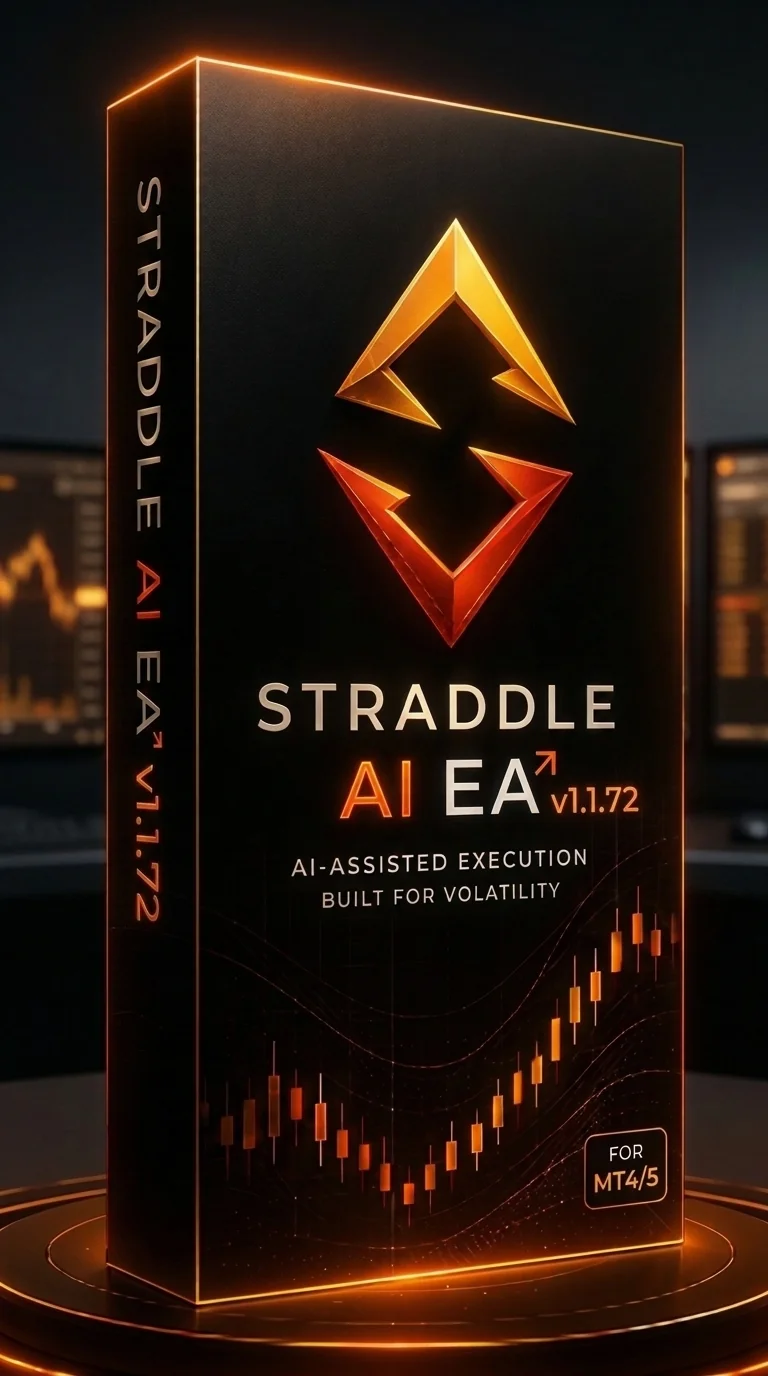
Why Manual Trading Fails During High-Impact News Events
Hey fellow devs and algo traders! If you are still trying to click "Buy" or "Sell" manually when the US Non-Farm Payroll (NFP) or CPI data drops, you are literally throwing money at institutional high-frequency bots. Price moves 50 to 100 pips in a single millisecond. By the time your brain registers the candlestick movement, your broker has already hit you with massive slippage. You need automated speed, and you need it right now.
That is where an MT5 Straddle EA comes into play. A straddle strategy automatically places twin pending orders—a Buy Stop above the current market price and a Sell Stop below it—seconds before major news strikes. When volatility spikes, the market breaks through one side, triggering your order instantly while canceling or managing the opposite leg. Let’s dive into how we build this high-speed Expert Advisor in MetaTrader 5 using MQL5!
Designing the Core MQL5 Straddle Logic
Coding a Straddle EA in MetaTrader 5 is remarkably efficient because of MT5’s fast execution speed and advanced order handling features. Instead of guessing direction, our automated script relies purely on sudden price expansion. Here is the technical breakdown of how we set up our pending orders:
- Pips Offset (Distance): Define exact distance (e.g., 15-20 pips) from the current Bid/Ask price where your
ORDER_TYPE_BUY_STOPandORDER_TYPE_SELL_STOPwill sit. - Precision Expiration: Set a strict expiration time (e.g., 5 to 10 minutes). If news creates a dud spike or zero liquidity, your pending orders auto-expire, protecting your balance.
- Hard Stop Loss & Take Profit: Every order submitted via
MqlTradeRequestmust include preset SL and TP levels to avoid unbounded drawdown during rapid slippage. - Spread Filter: Check
SymbolInfoInteger(_Symbol, SYMBOL_SPREAD). If spreads widen past your safety threshold right before execution, abort immediately!
This clean setup keeps your capital safe while position entry triggers with zero emotional hesitation.
Crucial Execution Hacks: Slippage & OCO Mechanics
Building the initial pending orders is just phase one. To dominate volatile markets with a Forex EA, your code must handle real-world broker conditions. Major economic announcements destroy liquidity for brief split-seconds. Here are the core features you must code into your MT5 Straddle EA immediately:
- One-Cancels-the-Other (OCO) Logic: The moment your Buy Stop fills, your MQL5 script must instantly call
OrderDelete()on the pending Sell Stop. Leaving orphaned pending orders open is a recipe for getting caught in rapid market whipsaws. - Asynchronous Trade Requests: Utilize MT5’s
OrderSendAsync()function. Sending trade requests asynchronously slashes execution latency down to the bare minimum, beating standard synchronous routines. - Dynamic Trailing Stops: Once your active order surges into profit, snap a trailing stop behind it using
PositionModify(). Lock in wins as the market rockets forward!
By combining MT5’s native order processing power with smart risk management filters, you build an unstoppable, high-frequency breakout engine.
Deploy Your MT5 Straddle EA Before the Next Big Breakout!
Volatility waits for no one! Central bank announcements, inflation data, and employment numbers are constantly scheduled throughout the trading week. Every single event presents an explosive opportunity if you possess the right automated tools. Stop letting retail execution delays ruin your trade setups.
Grab your MQL5 IDE, spin up your MetaTrader 5 platform, and deploy your custom MT5 Straddle EA today! Test your strategy on a demo account during the next upcoming high-impact news event, optimize your offset distance, and watch your algorithmic trade execution run circles around manual traders. Get coding now and supercharge your trading strategy today!
Algorithm Status
We will share the right bot details with you directly.
Share this insights
Related Algorithms & Research
Breakout Straddle EA
The Clock is Ticking: Why You Need a Breakout Straddle EA Today Hey fellow devs and traders! Market volatility is reaching a boiling point right now. Major economic releases like N
Pending Order Straddle EA
Hey fellow devs and traders! If you are still trying to execute manual trades during Non-Farm Payroll (NFP) or CPI rate decisions, you are actively burning money. The market moves
High Impact News Straddle EA
1. Stop Losing to Latency: Why Manual News Trading is Broken Hey traders and fellow devs! Look, if you're still manually trying to click "Buy" or "Sell" 0.2 seconds after an NFP or