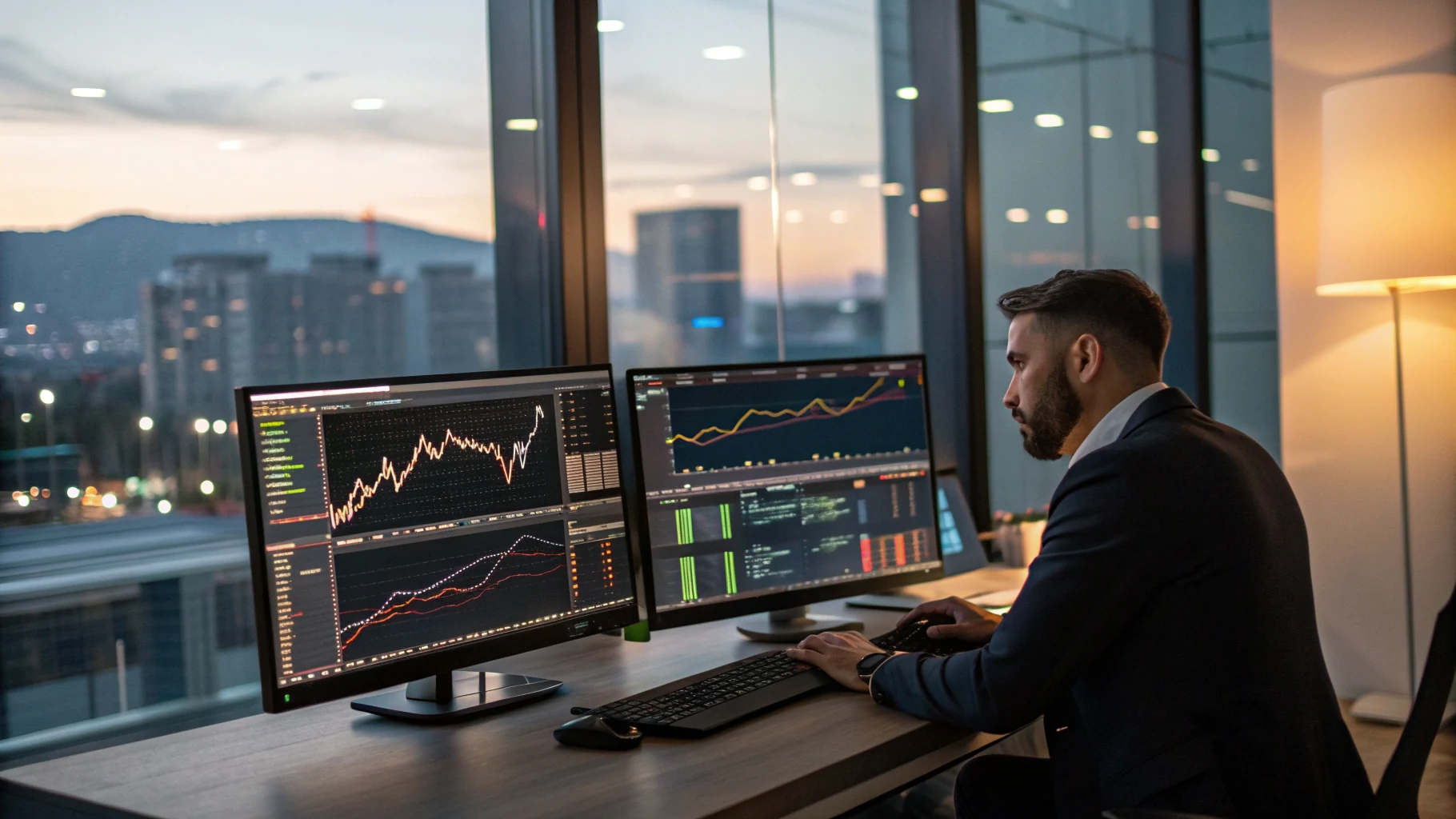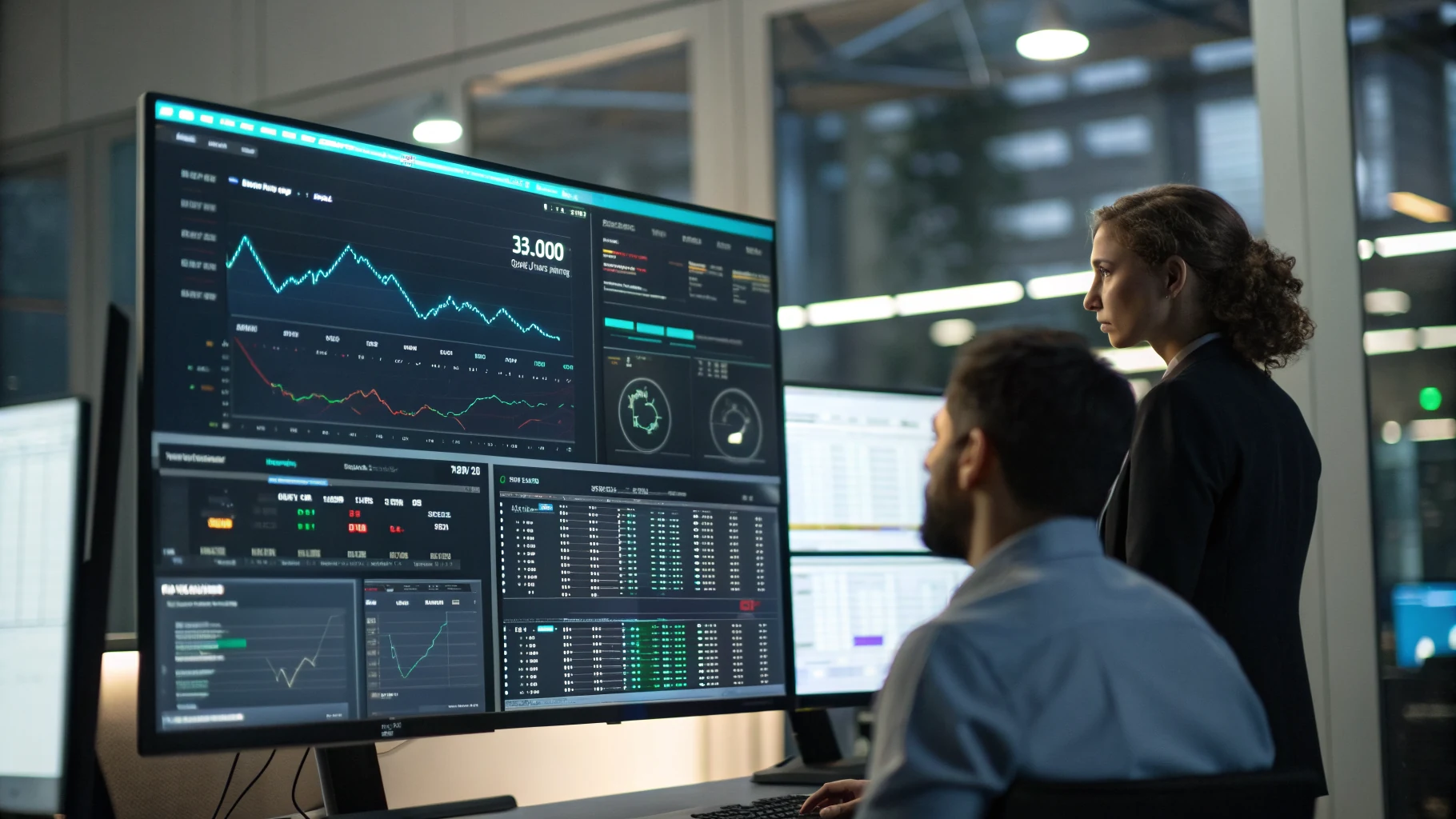
An automated trading bot monitoring dashboard is a centralized telemetry interface that aggregates real-time execution state, portfolio health, order latency, and risk limits across live broker sessions and exchanges. For traders transitioning from manual execution to systematic algorithms, this visibility eliminates the blind spots that turn minor execution disconnects into catastrophic capital drawdowns. At AlgoTradingBot, operational discipline starts at the code generation level through our Strategy to Expert Advisor builder and extends directly into the active management of live terminals running our institutional-grade Trading Bots.
Key Takeaways
- Real-time telemetry requires persistent WebSockets rather than polling REST endpoints to prevent rate limits and outdated execution signals.
- Critical operational telemetry must isolate slippage, execution round-trip latency, floating equity, and strict drawdown limits.
- Grafana / Custom UI Frameworks provide robust time-series visualization when paired with push pipelines from MetaTrader 5 or exchange sockets.
- Automated multi-exchange failover monitors verify broker API heartbeat health before algorithms submit pending or market orders.
The Core Telemetry Engine: WebSockets vs. REST APIs
Real-Time Monitoring in high-frequency and intraday algorithmic trading demands instant state synchronization. Polling a standard REST API every two seconds introduces server latency, inflates bandwidth usage, and risks immediate IP rate-limiting during periods of intense market volatility. When multiple automated strategies run simultaneously on platforms like MetaTrader 5 or crypto exchanges, REST architectures fail to report order execution slips before balance damage occurs.
WebSockets establish a continuous, bidirectional TCP connection. The moment a trade opens, modifies its stop-loss, or triggers an emergency exit, the broker or exchange pushes an event payload directly to your automated trading bot monitoring dashboard within single-digit milliseconds. However, institutional-grade dashboards must account for edge-case socket drops, dropped frames, and network resets without crashing the user interface.
Production-Grade WebSocket Reconnection Logic
A production dashboard cannot assume network connections stay open indefinitely. The client-side monitoring loop must implement automated reconnection logic with exponential backoff and message sequence validation. The JavaScript snippet below demonstrates how a resilient monitoring dashboard maintains connectivity to an algorithm telemetry stream:
class ResilientTelemetrySocket {
  constructor(endpointUrl, onTelemetryMessage) {
    this.url = endpointUrl;
    this.onMessage = onTelemetryMessage;
    this.reconnectAttempts = 0;
    this.baseDelay = 1000;
    this.maxDelay = 30000;
    this.socket = null;
    this.connect();
  }

  connect() {
    this.socket = new WebSocket(this.url);

    this.socket.onopen = () => {
      console.info("[Telemetry] Socket connected to execution engine.");
      this.reconnectAttempts = 0;
    };

    this.socket.onmessage = (event) => {
      try {
        const data = JSON.parse(event.data);
        this.onMessage(data);
      } catch (err) {
        console.error("[Telemetry] Payload parsing failure:", err);
      }
    };

    this.socket.onclose = (event) => {
      const delay = Math.min(this.baseDelay * (2 ** this.reconnectAttempts), this.maxDelay);
      console.warn(`[Telemetry] Socket disconnected. Code: ${event.code}. Reconnecting in ${delay}ms...`);
      this.reconnectAttempts++;
      setTimeout(() => this.connect(), delay);
    };

    this.socket.onerror = (error) => {
      console.error("[Telemetry] Socket exception encountered:", error);
      this.socket.close();
    };
  }
}
Essential Telemetry & Log Analytics for Active Bots
A visual display is useless if it tracks the wrong numbers. Many retail traders clutter their monitors with moving averages and price charts, ignoring the operational health of their execution infrastructure. A professional automated trading bot monitoring dashboard focuses on four core structural pillars:
1. PnL Tracking (Profit and Loss) & Equity Curves
Your dashboard must decouple realized profit from floating equity. Algorithmic strategies that run floating drawdowns while maintaining an artificially high closed win rate hide risk until margins blow out. Your metrics pipeline should monitor:
- Real-Time Closed PnL: Net balance generated across completed trades after commissions, financing swaps, and exchange fees.
- Floating Equity Variance: Real-time mark-to-market valuation of all active positions.
- Peak-to-Trough Drawdown: Dynamic calculation of drawdown percentages from the absolute highest account valuation point.
2. Risk Management Metrics & Drawdown Alerts
Institutional desks manage risk before considering yield. Hard-coded drawdown limits must exist both inside the algorithm logic and on the external monitoring layer. If an algorithm experiences a software loop and continuously fires orders, an automated alert must notify the risk desk immediately. Key metrics include open margin exposure percentage, correlation load across concurrent currency pairs, and active value-at-risk (VaR).
3. Latency Tracking and Execution Slippage
Trading Bot performance degrades quickly when network routes slow down. Your telemetry should log the duration between signal emission, broker gateway receipt, and fill confirmation. If order fulfillment latency jumps from 15ms to 350ms during an economic release like Non-Farm Payrolls (NFP) or Consumer Price Index (CPI), slippage increases exponentially. Dashboards must visualize execution round-trip latency to warn you when a Virtual Private Server (VPS) node drops below operational standards.
Building Dashboards with Grafana / Custom UI Frameworks
Building a custom user interface from scratch using raw HTML canvas elements is rarely cost-effective. Instead, quantitative developers pair time-series databases like InfluxDB or Prometheus with open-source visualization platforms like Grafana. Grafana provides built-in alerting, high-frequency time-series rendering, and multi-tenant access control.
Exportable Grafana Dashboard Panel Configuration (JSON)
Below is a clean JSON component template designed for Grafana. It defines a live time-series panel tracking Realized PnL against Floating Equity alongside Latency Tracking telemetry:
{
  "type": "timeseries",
  "title": "Bot Execution Telemetry: Equity vs Floating PnL",
  "datasource": {
    "type": "prometheus",
    "uid": "telemetry-prom-01"
  },
  "targets": [
    {
      "datasource": {
        "type": "prometheus",
        "uid": "telemetry-prom-01"
      },
      "editorMode": "code",
      "expr": "engine_floating_equity{bot_id=\"straddle_ea_v1\"}",
      "legendFormat": "Floating Equity ($)",
      "range": true,
      "refId": "A"
    },
    {
      "datasource": {
        "type": "prometheus",
        "uid": "telemetry-prom-01"
      },
      "editorMode": "code",
      "expr": "engine_realized_pnl{bot_id=\"straddle_ea_v1\"}",
      "legendFormat": "Realized PnL ($)",
      "range": true,
      "refId": "B"
    },
    {
      "datasource": {
        "type": "prometheus",
        "uid": "telemetry-prom-01"
      },
      "editorMode": "code",
      "expr": "rate(engine_execution_latency_ms_sum[1m]) / rate(engine_execution_latency_ms_count[1m])",
      "legendFormat": "Avg Latency (ms)",
      "range": true,
      "refId": "C"
    }
  ],
  "fieldConfig": {
    "defaults": {
      "custom": {
        "drawStyle": "line",
        "lineInterpolation": "smooth",
        "lineWidth": 2
      },
      "unit": "currencyUSD"
    },
    "overrides": [
      {
        "matcher": { "id": "byName", "options": "Avg Latency (ms)" },
        "properties": [
          { "id": "unit", "value": "ms" },
          { "id": "custom.axisPlacement", "value": "right" }
        ]
      }
    ]
  }
}
Multi-Exchange Support and Failover Visualizers
Sophisticated algorithmic traders rarely deploy on a single broker gateway. When operating across multiple centralized venues or brokerages, your automated trading bot monitoring dashboard must verify API gateway reachability. If an exchange API starts returning 429 Too Many Requests or drops orders entirely, a multi-exchange failover visualizer routes execution triggers to a backup liquidity venue or pauses algorithmic execution safely.
A clear failover panel should display real-time status indicators across the entire execution pipeline:
- Gateway Ping: Heartbeat signal pinged every 500 milliseconds.
- Queue Backlog: The number of unacknowledged trade requests buffered in memory.
- Execution Mode: Indicates whether the bot is in Active Execution, Liquidation Only, or Emergency Halt status.
- Circuit Breaker Trigger: Visual indication when account drawdown hits predefined stop parameters, halting new trade creation instantly.
Expert Analysis: Bridging Strategy Creation to Production Monitoring
The biggest disconnect in algorithmic trading happens between strategy design and live operational oversight. Novice traders often attempt to write complex MQL5 Expert Advisors with integrated web servers, database connectors, and visual renderers directly inside the MetaTrader environment. Overloading an Expert Advisor with HTTP socket dispatch code bogs down the primary execution thread, degrading strategy fills on tick events.
AlgoTradingBot solves this architectural hurdle by decoupling rule generation from telemetry delivery. Using our Strategy to Expert Advisor builder, traders translate structured rules, technical indicators, and Smart Money Concepts (SMC) filters into clean, modular MQL5 code for MetaTrader 5. The generated source code maintains strict execution paths, emitting lightweight telemetry pings via zero-overhead local pipe protocols or lightweight web requests.
Furthermore, our platform provides an AI Live Signal desk that equips systematic traders with directional bias, confidence ratings, and market momentum metrics before deployment. Whether running our pre-engineered Trading Bots suite—such as the news-breakout Straddle EA or the M1/M5 Hexa Scalper Bot—or building algorithms via Custom expert advisor development, operational discipline requires clean code execution on the local VPS coupled with clear remote telemetry on your web dashboard.
Tactical Implementation Roadmap
Follow this systematic engineering roadmap to deploy an institutional monitoring dashboard for your live algorithmic bots:
- Isolate Strategy Execution: Run your trading robots on a high-availability Windows Server VPS located geographically close to your broker's trade matching server (e.g., London LD4 or New York NY4). Ensure the terminal focuses purely on tick processing and order handling.
- Deploy a Telemetry Exporter: Use a lightweight local service or named-pipe script to capture tick timestamps, balance, floating margin, and open position tickets from MetaTrader. Push these structured logs to an InfluxDB or Prometheus time-series collector.
- Configure WebSocket Broadcasts: Spin up a Node.js or Go gateway to expose an authenticated WebSocket endpoint. Connect your frontend dashboard to this endpoint using resilient backoff reconnection loops.
- Establish Hard Drawdown Alerts: Configure webhook integrations directly from your monitoring stack to Telegram or SMS. Set distinct trigger tiers: a 2% intraday drawdown triggers a warning notification; a 5% peak-to-trough drop automatically triggers an API command to close open exposure and revoke bot trade privileges.
- Validate Disaster Recovery: Simulate network drops and API disconnects once a month on a live demo terminal. Ensure your monitoring dashboard accurately displays disconnect warnings within three seconds of network interruption.
Ready to turn these ideas into results?
Move from insight to action with a solution aligned to your goals.