Hexafx EA Setup Guide
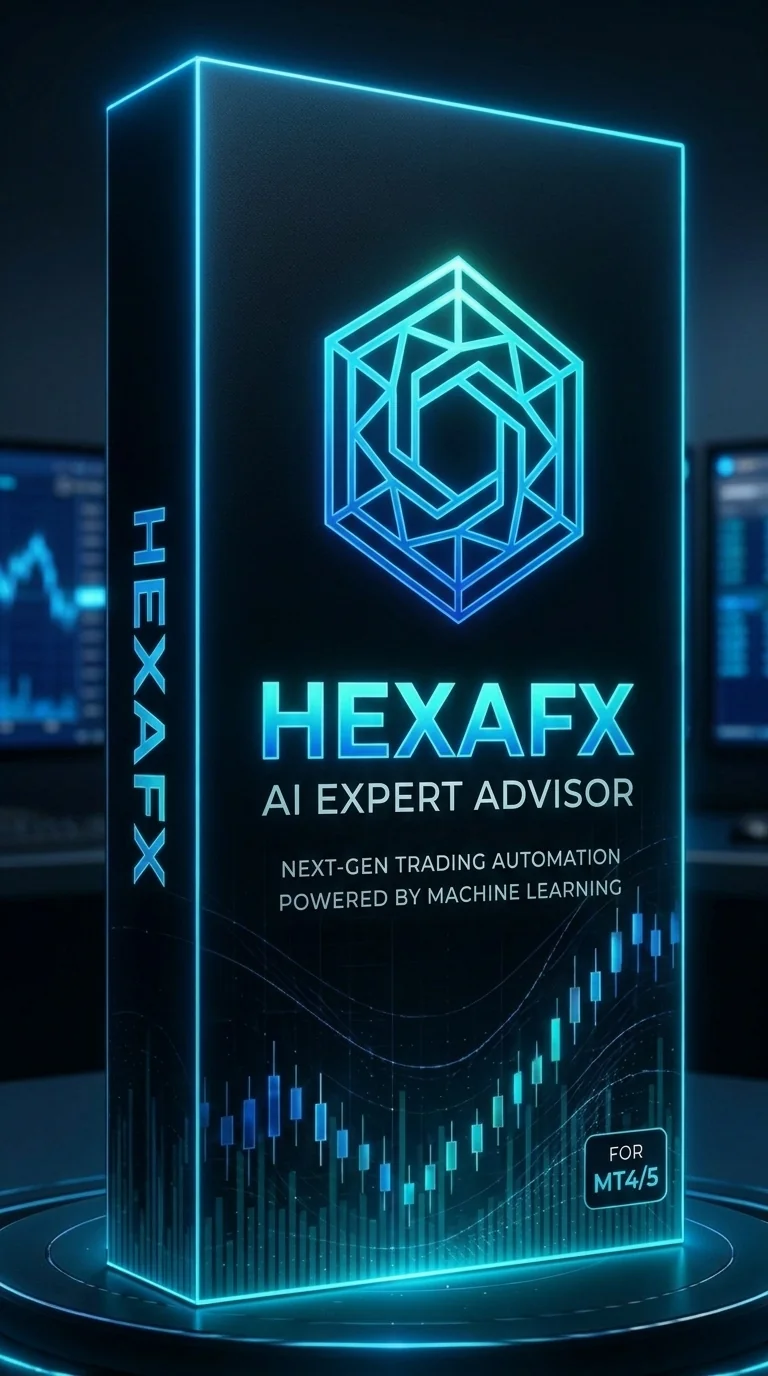
Stop Wasting Time: Deploy Hexafx EA Right Now
Listen up, traders! The market moves fast, and manual execution is holding your trading strategy back. If you want to automate your Forex edge with surgical precision, the Hexafx EA is your ultimate execution tool. But here is the hard truth: a powerful Expert Advisor is only as good as its deployment. A single misconfigured MetaTrader setting or bad risk input can wreck your equity curve. We aren't letting that happen today.
In this quick setup guide, I am walking you through the exact deployment routine to get your Hexafx EA live on MT4 or MT5 in under five minutes. No fluff, no endless manuals—just pure, executable steps. Whether you are running locally or on a high-speed VPS host, we are going to configure your parameters, enable automated execution, and secure your risk. Let us fire up MetaTrader and push this code to production!
Step-By-Step: Installing Hexafx EA on MetaTrader
Let us get down to brass tacks. Open your MT4 or MT5 terminal right now and follow these rapid-fire installation steps:
- Download & Unzip Files: Grab the latest
.ex4or.ex5build file for Hexafx EA along with your license key from your account dashboard. - Access MQL Data Folder: In MetaTrader, click File > Open Data Folder. Navigate directly to
MQL4/Experts(orMQL5/Experts). Drop the Hexafx executable file inside this folder. - Configure System Permissions: Head to Tools > Options > Expert Advisors. Check "Allow Automated Trading" and "Allow DLL imports". If Hexafx EA requires WebRequest for license authentication, paste your server validation URL.
- Refresh Navigator Panel: Go to your Navigator window inside MetaTrader, right-click on Expert Advisors, and click Refresh. Your Hexafx EA is now loaded and compiled!
- Attach to Active Chart: Drag the EA onto your target currency pair chart (e.g., EUR/USD). Ensure your chart timeframe matches the recommended strategy timeframe (such as M15 or H1).
Optimizing Inputs: Risk Management and Low-Latency Execution
Your EA is attached, but do not flip the main switch until your parameter inputs are calibrated. Proper optimization is where profitability meets bulletproof risk control. Here is how you tune Hexafx EA for peak execution performance:
- Auto-Lot vs. Fixed Lot Sizing: For dynamic scaling, activate the auto-lot feature and set your maximum risk score between 1% to 2% per trade. Avoid over-leveraging your margin!
- Hard Stop-Loss & Take-Profit Offsets: Define hard Stop-Loss (SL) levels inside the input tab to prevent catastrophic drawdowns. Never run an EA fully unhedged without a safety net.
- High-Impact News Filter: Turn on the integrated news filter parameter to automatically freeze trading execution 30 minutes before and after Tier-1 economic announcements.
- Ultra-Low Latency VPS Host: For zero downtime, deploy your terminal on a dedicated Forex VPS host with sub-5ms latency to your broker server.
Before launching live capital, run a rapid strategy tester backtest using 99% tick data quality. Confirm that your lot sizing scales correctly and that trailing stop routines trigger properly.
Launch Your Hexafx EA Strategy Today!
You now have the exact blueprint to deploy, configure, and optimize Hexafx EA like a senior dev. The Forex market heavily rewards execution speed and emotional discipline. Do not let paralysis by analysis hold you back while profitable setups pass you by.
Double-check your active chart timeframe, verify your AutoTrading toggle button is green, and monitor your first few trades on micro lots. Once you confirm smooth execution with zero slippage, scale up your lot parameters according to your core risk plan. Time is ticking! Finish your Hexafx EA setup right now, lock down your risk parameters, and let algorithmic precision handle the rest!
Algorithm Status
We will share the right bot details with you directly.
Share this insights
Related Algorithms & Research
Breakout Straddle EA
The Clock is Ticking: Why You Need a Breakout Straddle EA Today Hey fellow devs and traders! Market volatility is reaching a boiling point right now. Major economic releases like N
Pending Order Straddle EA
Hey fellow devs and traders! If you are still trying to execute manual trades during Non-Farm Payroll (NFP) or CPI rate decisions, you are actively burning money. The market moves
High Impact News Straddle EA
1. Stop Losing to Latency: Why Manual News Trading is Broken Hey traders and fellow devs! Look, if you're still manually trying to click "Buy" or "Sell" 0.2 seconds after an NFP or